
The Doomscrolling Habit-Breaker
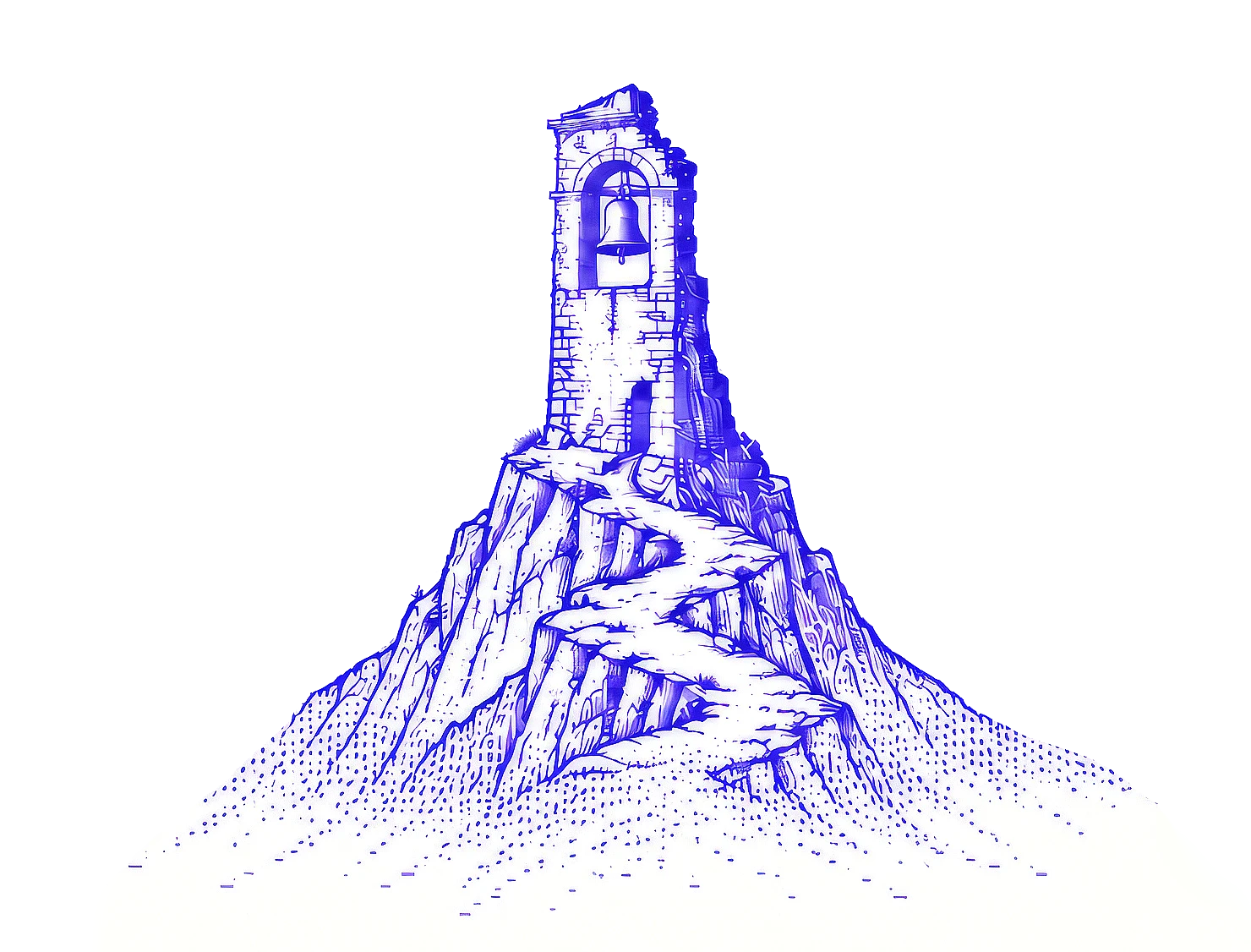
An engraving of a bell tower on a rocky crag

Every scroll has its toll

An Android app that makes your screen decay the longer you doomscroll, until a bell tells you it's time to stop.

Download for Android

WHY IT EXISTS

Your feed has no end.
Your evening does.

It starts as a quick check. Then it's the hour you meant for sleep, the dinner you half-attended, the text you meant to send back. The apps are built so you never reach an end, which means you never get a natural moment to stop.

DoomToll gives you one. It keeps time on the apps that pull you in hardest, and when a quick look turns into a lost evening, it lets you know. Plainly, and a little dramatically.

You set the limit.

Pick the apps and decide how long is too long.

Five more minutes?

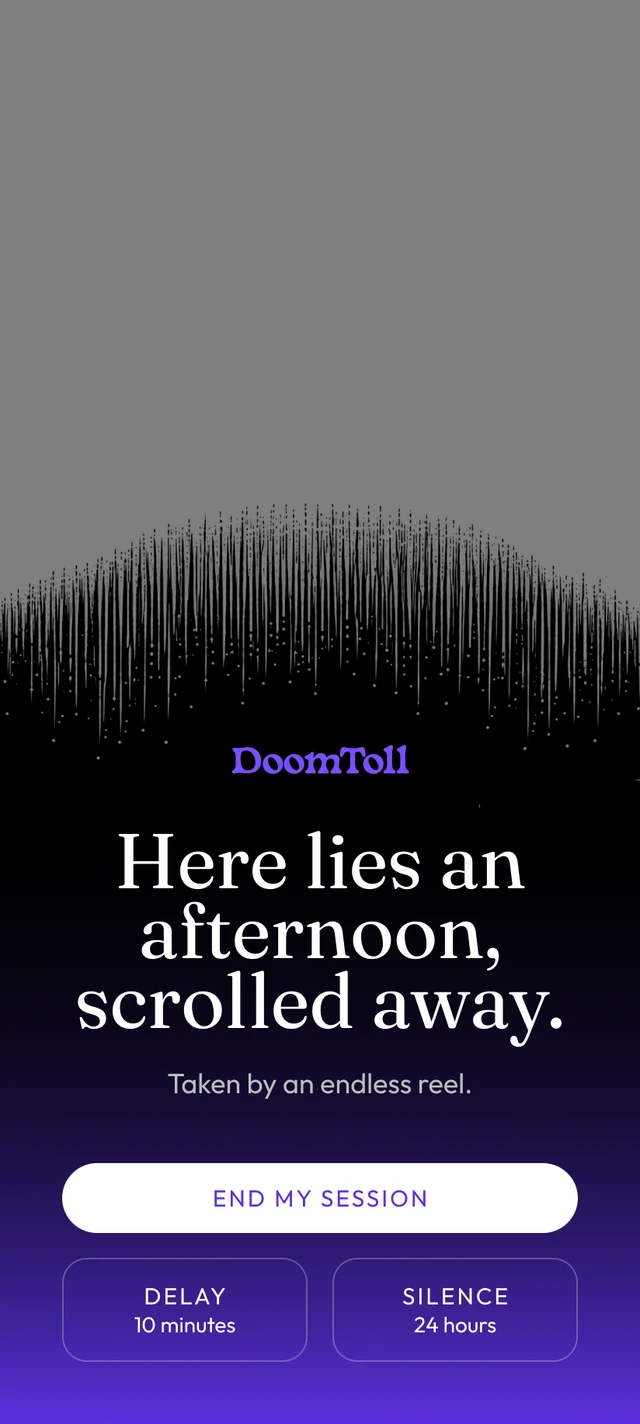
You get five delays. After that, the bell has the final word.

It never locks you out.

It makes the time hard to ignore, not impossible to get past.

HOW IT WORKS

The longer you stay,
the more it shows.

You decide how long is too long. DoomToll just keeps the clock honest. It starts counting the moment you open a watched app, and from there, three things happen on your schedule.

OPEN

The clock starts.

NUDGE

The decay begins.

TOLL

The bell rings.

REST

The app is paused.

  1. IVIGNETTE

    The edges darken. Easy to miss.

  2. IIGRIME

    A film settles in. Don't wipe it.

  3. IIICOBWEBS

    Webs gather where nobody moves.

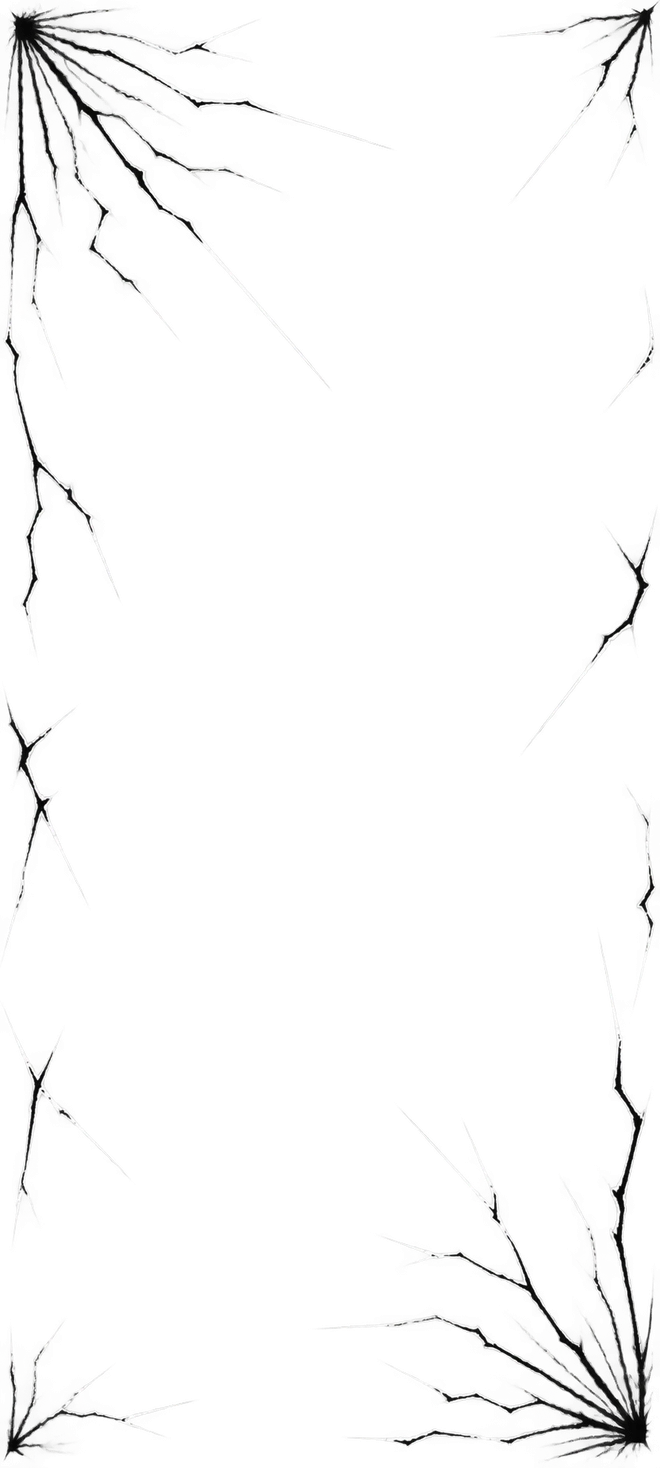
  1. IVCRACKS

    The glass gives. Your thumb won't.

  2. VFOG

    Hard to see. Harder to pretend.

  3. VITHE BELL

    Time's up. The next move is yours.

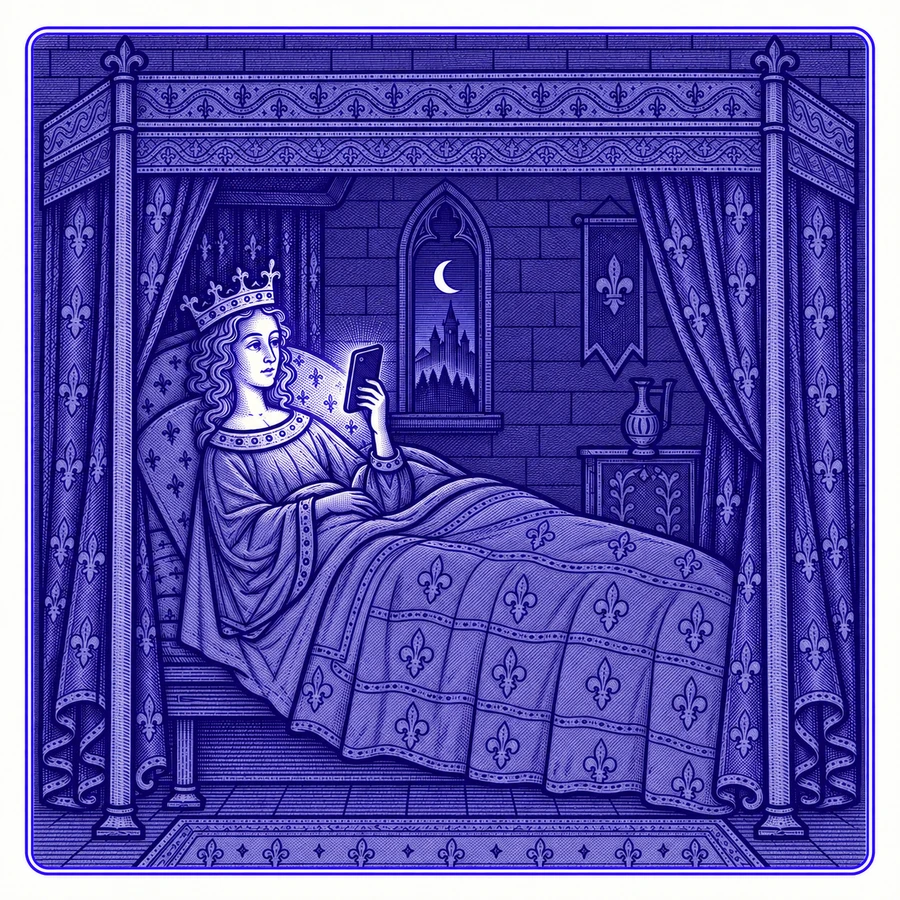
An illuminated drawing of a woman in bed reading her phone by daylight
PRIVACY

It keeps time, not tabs.

DoomToll watches the clock, not your screen. It knows which app is open and how long it's been open. That's all. No content, no messages, no history, no account, no servers. It doesn't even ask for internet access, so it couldn't send anything if it tried.

NOTHING READNOTHING SENTNO INTERNET ACCESS
FAQs

Questions, for the
not-quite-convinced.

Will it lock me out of my apps?

No. DoomToll makes the time impossible to ignore, not impossible to get past. It's a nudge with a flair for drama, not a parental control.

Which apps does it watch?

Any app you choose. Instagram, TikTok and YouTube are the usual suspects, but if an app eats your evenings, DoomToll can watch it. Everything you don't pick is left alone.

How does it know I'm doomscrolling?

It doesn't judge. It just keeps time. The clock starts when you open a watched app, and you decide when the decay begins and when the bell tolls.

Can it see what I'm looking at?

No. It only knows which app is open and that you're scrolling. It never reads what's on your screen.

Why does it need Accessibility access?

That's how Android lets an app notice which app is open. DoomToll's access is set up so it can't read screen content. You can turn it off anytime in Settings > Accessibility > DoomToll.

How DoomToll uses Accessibility

What if I actually need to keep scrolling?

Sometimes you're scrolling with a purpose, like hunting for that one video a friend swore was hilarious. Delay the bell up to five times, or silence it.

Does it keep score?

No reports, no charts, no streaks. DoomToll isn't here to make you feel bad about your last timesuck.

What does it cost, and what does it run on?

Nothing. DoomToll is free on Google Play and runs on Android 8 or later. No ads, either. That would defeat the point.

The feed will still be there.
Leave it hanging.

Download for Android
© 2026 DoomToll, All Rights Reserved  •  Created by
The Doomscrolling Habit-Breaker
An engraving of a bell tower on a rocky crag

Every scroll has its toll

An Android app that makes your screen decay the longer you doomscroll, until a bell tells you it's time to stop.

Download for Android
WHY IT EXISTS

Your feed has no end.
Your evening does.

It starts as a quick check. Then it's the hour you meant for sleep, the dinner you half-attended, the text you meant to send back. The apps are built so you never reach an end, which means you never get a natural moment to stop.

DoomToll gives you one. It keeps time on the apps that pull you in hardest, and when a quick look turns into a lost evening, it lets you know. Plainly, and a little dramatically.

You set the limit.

Pick the apps and decide how long is too long.

Five more minutes?

You get five delays. After that, the bell has the final word.

It never locks you out.

It makes the time hard to ignore, not impossible to get past.

HOW IT WORKS

The longer you stay,
the more it shows.

You decide how long is too long. DoomToll just keeps the clock honest. It starts counting the moment you open a watched app, and from there, three things happen on your schedule.

OPENNUDGETOLLREST

The clock starts.

The decay begins.

The bell rings.

The app is paused.

IVIGNETTE

The edges darken. Easy to miss.

IIGRIME

A film settles in. Don't wipe it.

IIICOBWEBS

Webs gather where nobody moves.

IVCRACKS

The glass gives. Your thumb won't.

VFOG

Hard to see. Harder to pretend.

VITHE BELL

Time's up. The next move is yours.
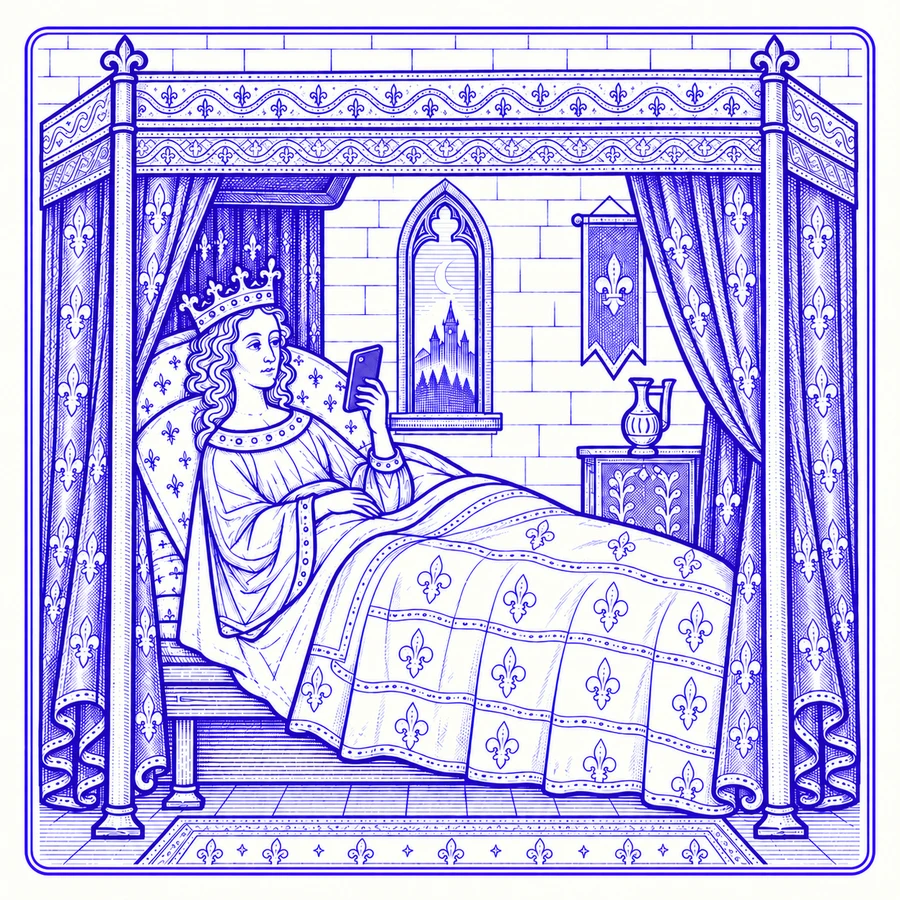
An illuminated drawing of a woman in bed reading her phone by daylight
PRIVACY

It keeps time, not tabs.

DoomToll watches the clock, not your screen. It knows which app is open and how long it's been open. That's all. No content, no messages, no history, no account, no servers. It doesn't even ask for internet access, so it couldn't send anything if it tried.

NOTHING READNOTHING SENTNO INTERNET ACCESS
FAQs

Questions, for the
not-quite-convinced.

Will it lock me out of my apps?

No. DoomToll makes the time impossible to ignore, not impossible to get past. It's a nudge with a flair for drama, not a parental control.

Which apps does it watch?

Any app you choose. Instagram, TikTok and YouTube are the usual suspects, but if an app eats your evenings, DoomToll can watch it. Everything you don't pick is left alone.

How does it know I'm doomscrolling?

It doesn't judge. It just keeps time. The clock starts when you open a watched app, and you decide when the decay begins and when the bell tolls.

Can it see what I'm looking at?

No. It only knows which app is open and that you're scrolling. It never reads what's on your screen.

Why does it need Accessibility access?

That's how Android lets an app notice which app is open. DoomToll's access is set up so it can't read screen content. You can turn it off anytime in Settings > Accessibility > DoomToll.

How DoomToll uses Accessibility

What if I actually need to keep scrolling?

Sometimes you're scrolling with a purpose, like hunting for that one video a friend swore was hilarious. Delay the bell up to five times, or silence it.

Does it keep score?

No reports, no charts, no streaks. DoomToll isn't here to make you feel bad about your last timesuck.

What does it cost, and what does it run on?

Nothing. DoomToll is free on Google Play and runs on Android 8 or later. No ads, either. That would defeat the point.

The feed will still be there.
Leave it hanging.

Download for Android
PrivacyAccessibilityTerms
© 2026 DoomToll, All Rights Reserved
Created by